Original reference
The original baile charme street party video
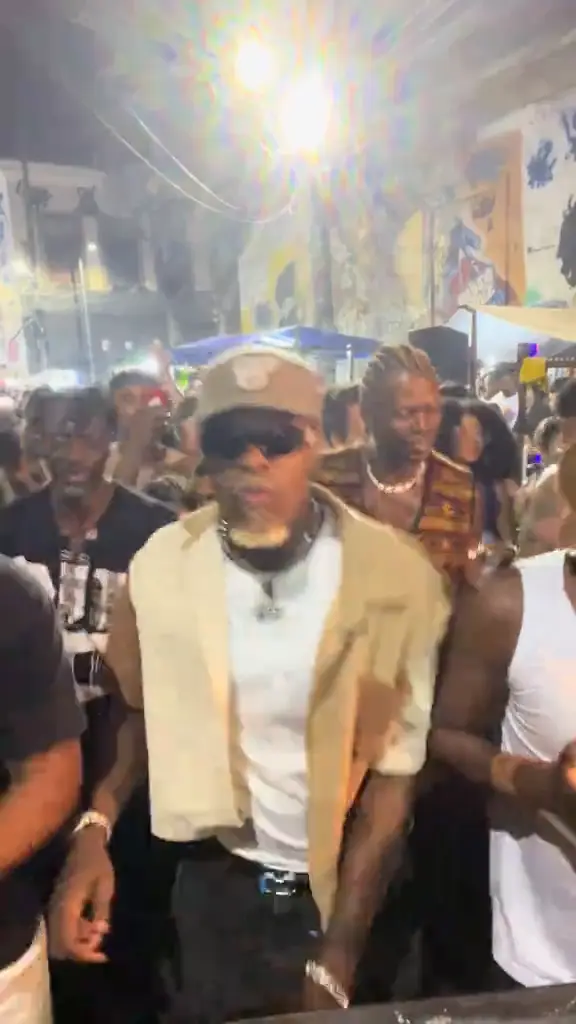
A dancer in a cap and sunglasses dances baile charme at the barrier of a packed night street party while the crowd dances around him.
A packed street party at night, a bright lamp overhead, and one dancer in the middle doing smooth baile charme steps while the crowd dances along. Upload one photo and Baile Charme AI puts you in that dancer's place, in your own clothes. Made with Seedance 2.5. No prompts, no watermark, 42 credits per video.
The original street party clip the template follows moment for moment. Tap it to play it with sound.
A dancer in a cap and sunglasses dances baile charme at the barrier of a packed night street party while the crowd dances around him.
Baile charme is a Brazilian dance party born in Rio de Janeiro in the early 1980s, danced to smooth R&B and soul with relaxed, stylish steps. Its best known home is the party under the Madureira overpass.
In October 2026 clips of dancers owning the floor at night street parties spread on TikTok, and people started making baile charme AI videos with their own faces in the dancer's place.
Baile Charme AI makes your version from one photo. The party, the crowd, the lamp and the camera come from the original clip; your photo decides who dances, with their own face, hair and clothes. Seedance 2.5 recreates it moment for moment.
No dance class and no prompt writing.
Open the Genjutsu AI generator with the Baile Charme template already selected.
One clear, front-facing photo of whoever should dance. Full-body photos work best.
Your HD video is usually ready in about 10 minutes, with no watermark.
The dancer is seen from head to knees and faces the camera most of the time, so a sharp face and a full-body photo both help. What you wear in the photo is what you wear at the party.
Same party, a new dancer every time:
The friend who never leaves the dance floor, now in the middle of the crowd. Tag them.
Send the birthday person a video of themselves dancing at the party.
Put your grandpa or grandma in the middle of the charme and share it with the family chat.
Post your own dance before the weekend and let the steps say the rest.
42 credits per video
Plans from $14.90/mo (billed yearly), credit packs from $19.90. Save up to 38% with yearly billing; videos start as low as $1.50.
It is a template inside the Genjutsu AI video generator. You upload one photo and AI recreates the street party clip with that person as the dancer in the middle.
Open the generator with the template, upload one photo and click generate. No prompt or editing app is needed.
Only the dancer in the middle. The crowd, the street and the lights stay as they are in the original clip.
Yes. The face, hair and clothes come from your photo. Clear, front-facing photos give the best likeness.
It is 15 seconds long in vertical 9:16, with the sound of the original clip.
Each video costs 42 credits. If a video fails to generate, its credits are returned automatically.
No. Genjutsu AI is an independent tool and is not affiliated with the party, its organizers or the people in the original clip. Only upload your own photo or a photo of someone who agreed to be in the video.
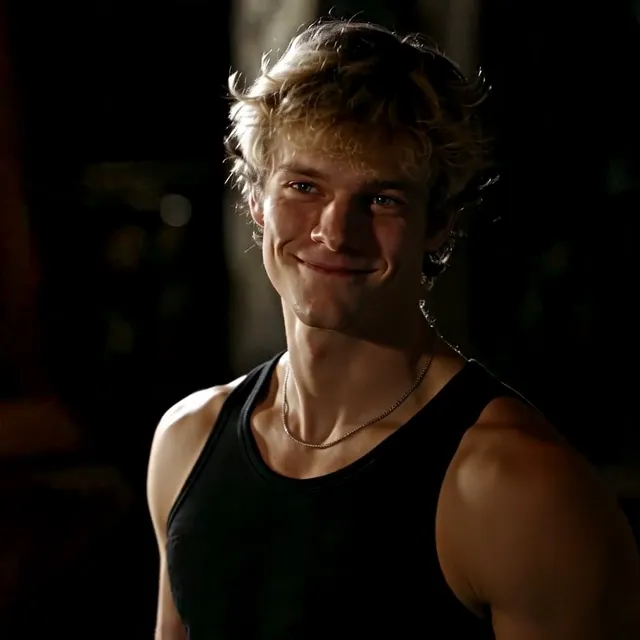
The Damon Salvatore AI trend: you take the lead of the Damon edit or the replace my namesake remake.
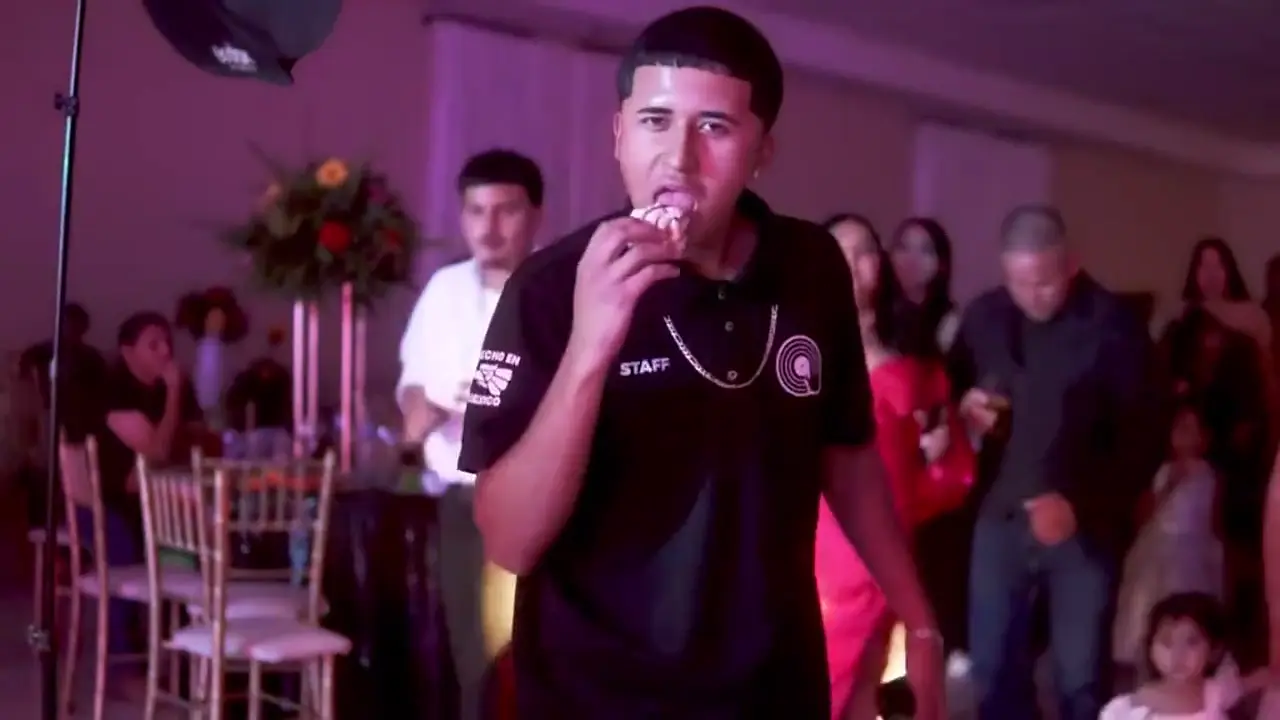
The Bby Wow AI trend: you dance across a quinceañera, bite the sweet bread and chew it with a dead-serious face.
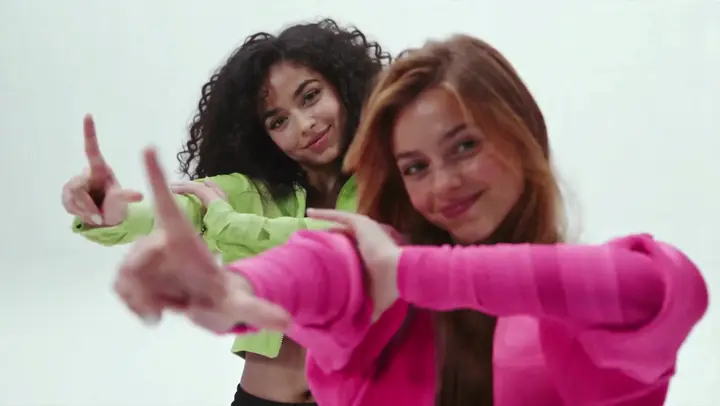
The Neon dance AI trend: two photos become the NEON duo intro, finger guns and high kick in a white studio.
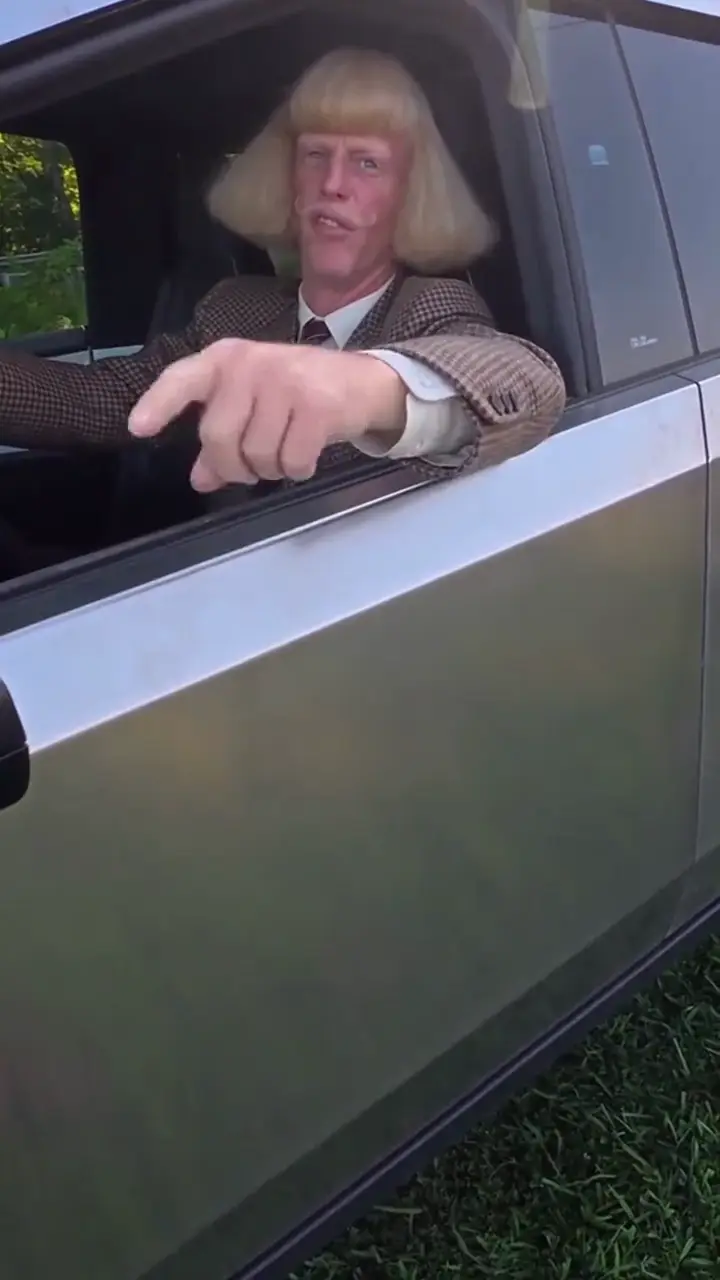
The Hit the Road Dude AI meme: you lecture the camera from a pickup window and send them down the road.
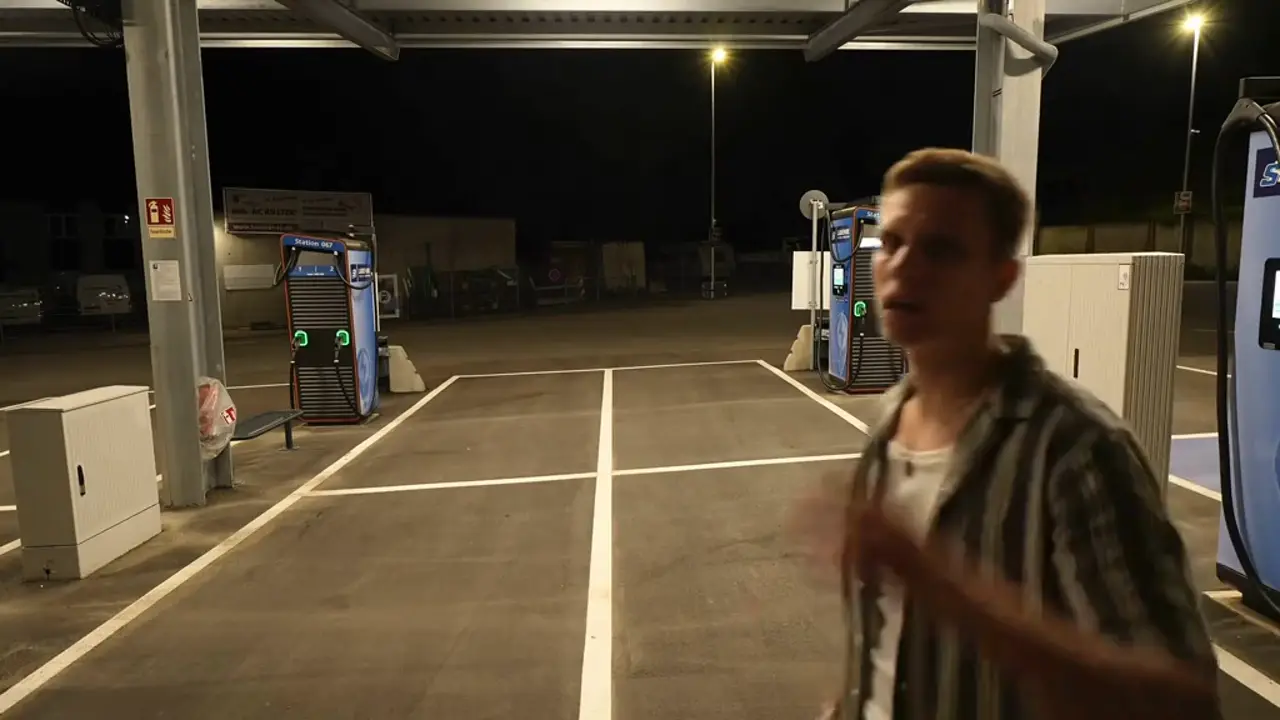
The Unforgettable car trend: two cards cover the lens, drop, and the car you picked is parked behind you.
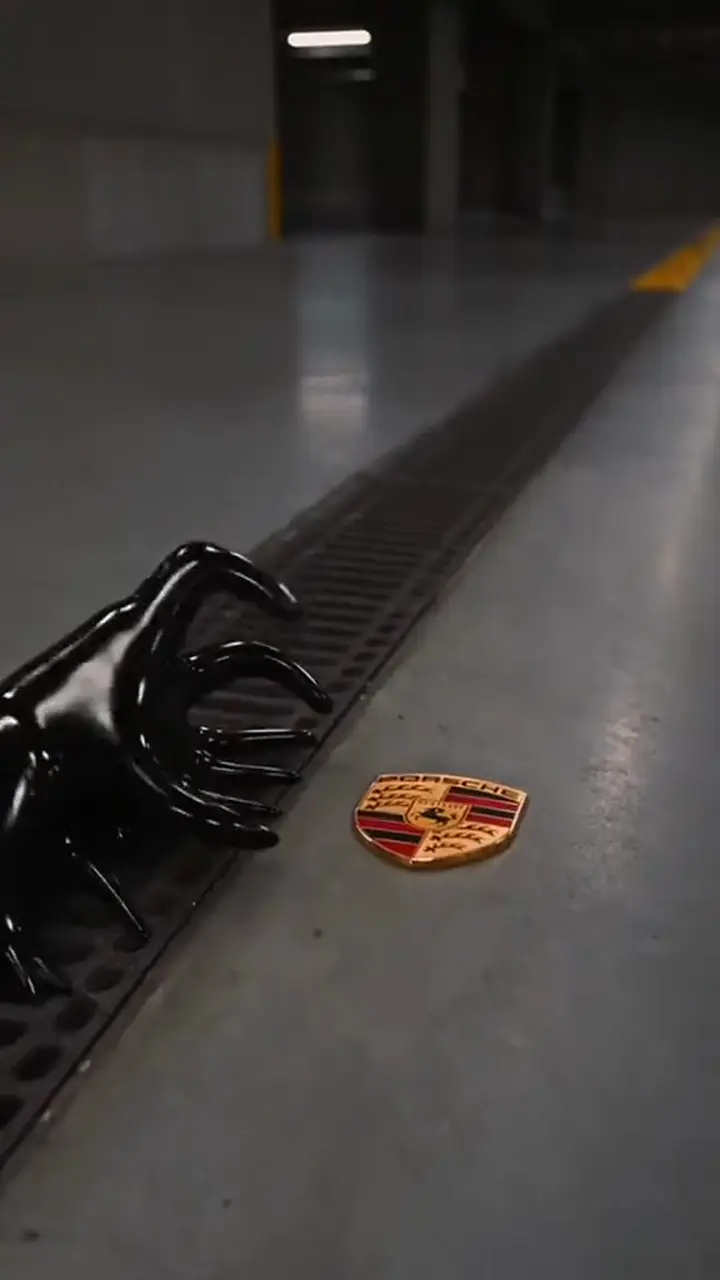
The Venom car AI trend: black liquid swallows the badge and builds your car, or one you pick, part by part.
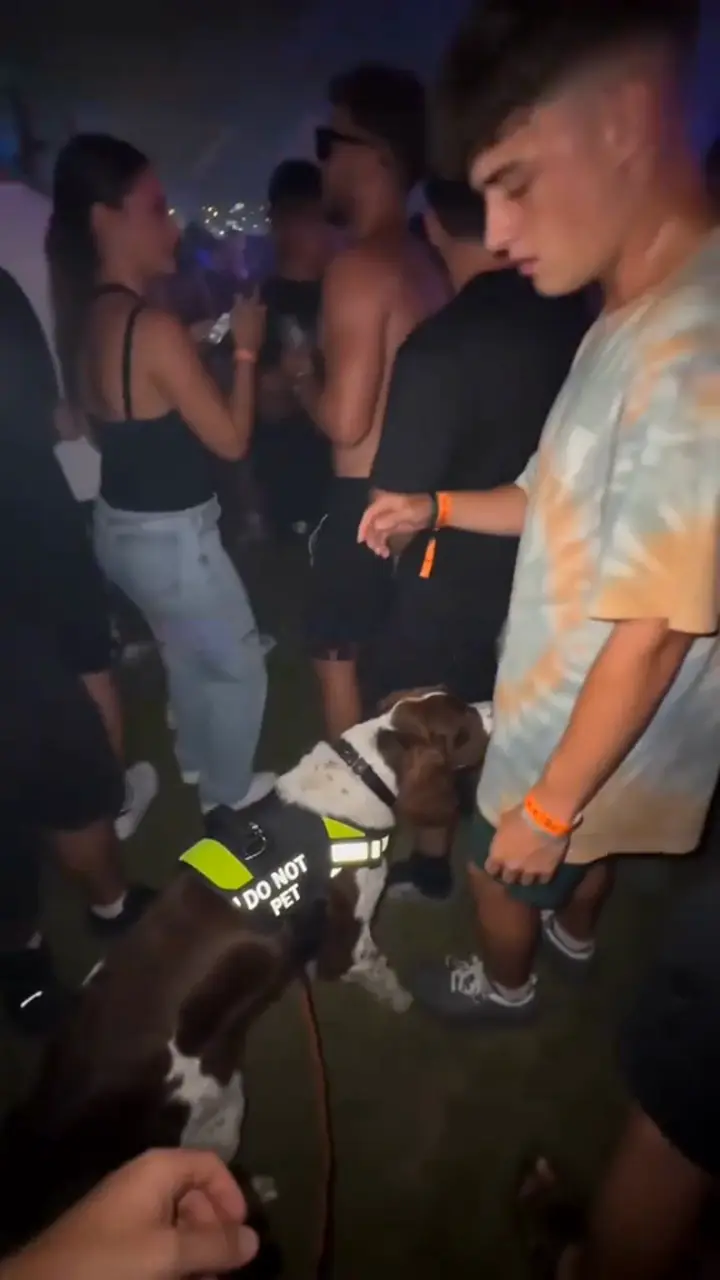
The caught by the sniffer dog trend: a festival sniffer dog sits down next to you and stares while you freeze.
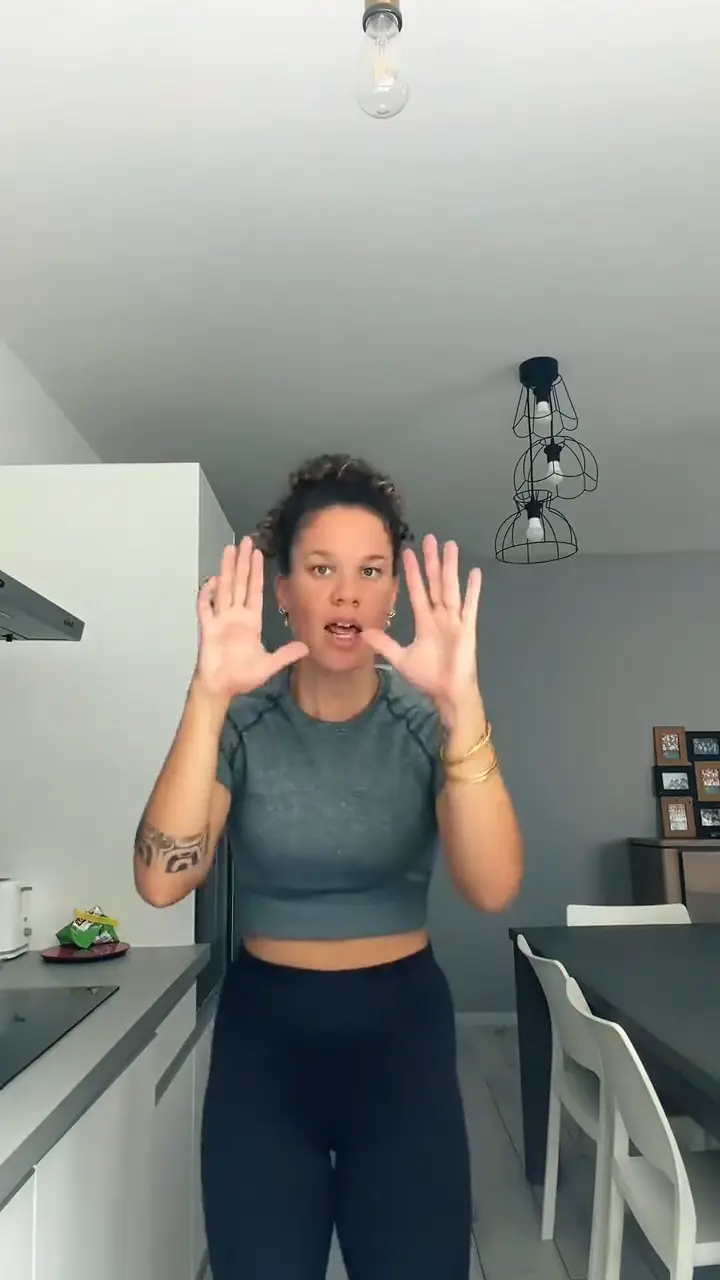
The Bad Times AI trend: you, or your pet on its hind legs, argue with the camera in a kitchen to the viral song.
One photo, one click, no dance class. 42 credits per video, HD and no watermark.