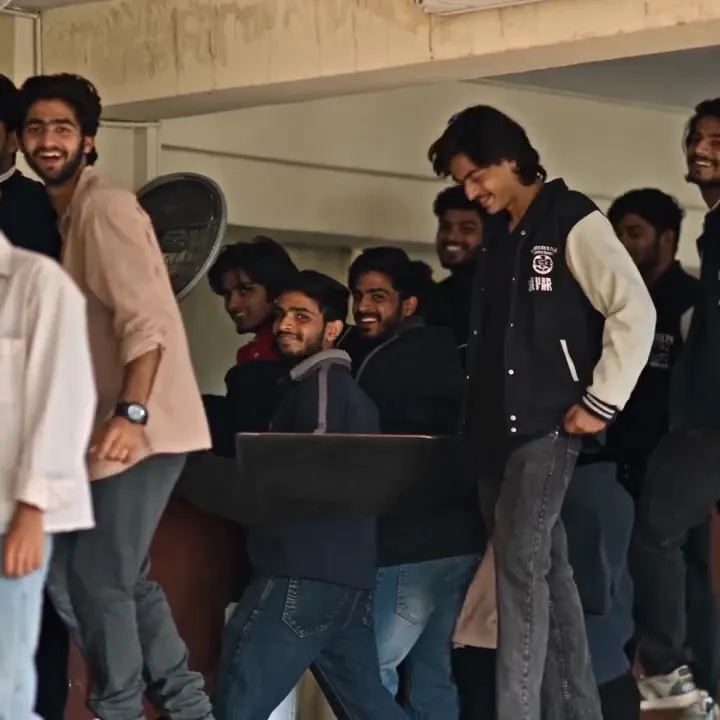
Original reference
The original Vikas edit
The class waits, a new student walks in, and the edit flips to black and white on the drop.
The fastest Vikas editor is the one that does the editing for you. Upload one photo and Vikas Editor AI makes you the new student who walks into class while everyone turns to look, then cuts you into a black-and-white attitude montage with flash cuts on every beat. Your face, your outfit, the original music. HD, made with Seedance 2.5. No timeline, no prompts, no watermark, from $9.99 per video.
This is the full 28-second Vikas edit the template follows. Your photo takes the place of the student who walks in; the class, the cuts and the music stay. Tap to play it with sound.
The class waits, a new student walks in, and the edit flips to black and white on the drop.
A Vikas edit is an attitude reel built around one person. It opens in color with a slow setup: a classroom, a crowd of students in varsity jackets, a teacher at the chalkboard. Then a new face walks through the door, everyone turns, and the beat drops. From there it is all about the main character: black and white, flash cuts on every hit, a smirk at the desk, a look up into the lens, a laugh, a head thrown back. The "wait for it" hook keeps people watching to the end.
A Vikas editor is whatever you use to cut that style. Usually that means an editing app, a template, a stack of clips and an evening spent grading black and white and lining up every flash with the music. And you still need footage of yourself walking into a classroom.
Vikas Editor AI skips all of it. The template already holds every shot, cut and beat of the Vikas edit. Your photo decides who the star is, and AI films you into every shot with your own face, hair, build and outfit.
Three steps, no editing skills. The template already knows every cut.
Open the Genjutsu AI generator with the Vikas Edit template already selected. The video is square 1:1, the same frame as the original reel.
One clear photo of whoever should walk into class: you, a friend, the classmate who always acts like the main character. A full-body photo in the outfit you want to wear works best.
Seedance 2.5 films the walk-in, the smirk and the black-and-white montage, and the original music is added on the beat. Your HD Vikas edit is usually ready in about 10 minutes, with no watermark.
Vikas Editor AI follows the person in your photo closely, outfit included, so the photo you pick is the look you get. A clear face sells the close-ups; a full body sells the walk-in.
Same classroom, same cuts, a new main character every time:
Post it on the first day of college or a new job: the new face everyone turns to look at.
Make your friend the star of a dead-serious Vikas edit and drop it in the class group.
Give the birthday person their own main-character reel instead of a plain story post.
Passed the exam? Walk back into class like you own it, flash cuts and all.
As low as $9.99 per video
Plans from $14.90/mo (billed yearly), credit packs from $19.90. Save up to 40% with yearly billing.
A Vikas edit is a short attitude reel: a color setup in a classroom, a new student walking in, then a black-and-white montage of that one person with flash cuts, smirks and slow looks into the camera, all timed to the music.
Vikas Editor AI is a Vikas edit template inside the Genjutsu AI video generator. You upload one photo, and AI recreates the whole Vikas edit with you as the student who walks into class.
An editing app or template still needs your own clips and your own time on the timeline. Vikas Editor AI needs neither: the shots, cuts, black-and-white grading and music are already in the template, and AI films you into them from a single photo.
Vikas Editor AI follows your photo closely: your face, hair, skin tone, build and the outfit you wear in the photo are kept in every shot. Everyone else in the clip stays as in the original.
Each Vikas edit is 28 seconds long in square 1:1, with the original music added on the beat, ready for Reels, Shorts and TikTok.
Each video uses credits. With a yearly plan a Vikas edit costs as low as $9.99, and if a video fails to generate, its credits are returned automatically.
No. Genjutsu AI is an independent tool that lets you recreate the edit format with your own photo.
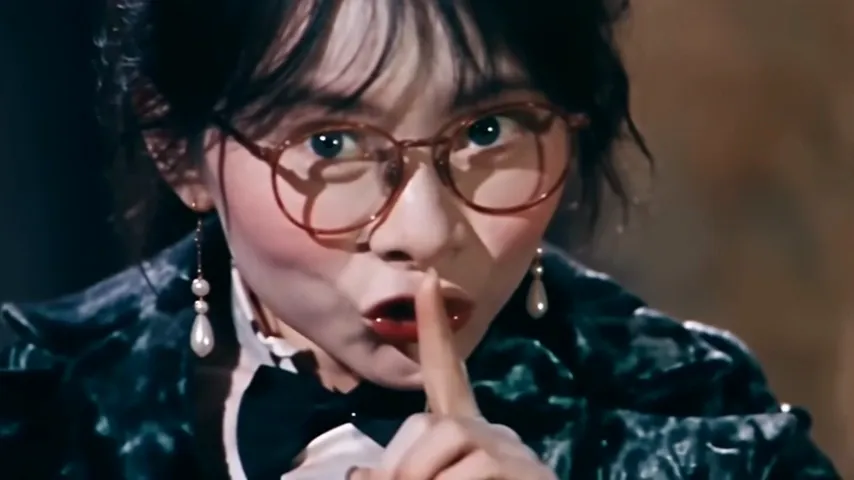
The Rumpelstiltskin 1987 tiptoe meme: you, tiptoeing through a golden hay barn.
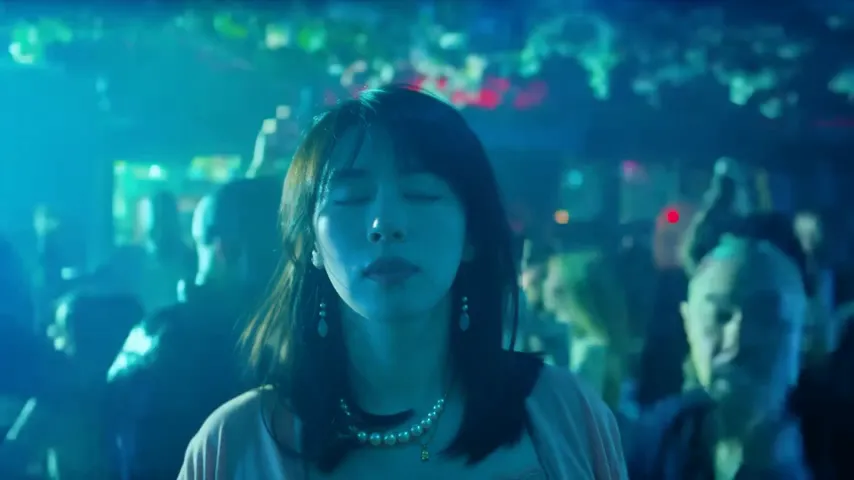
The Turn the Lights Off trend: you, eyes closed, lost in the music on a club floor.
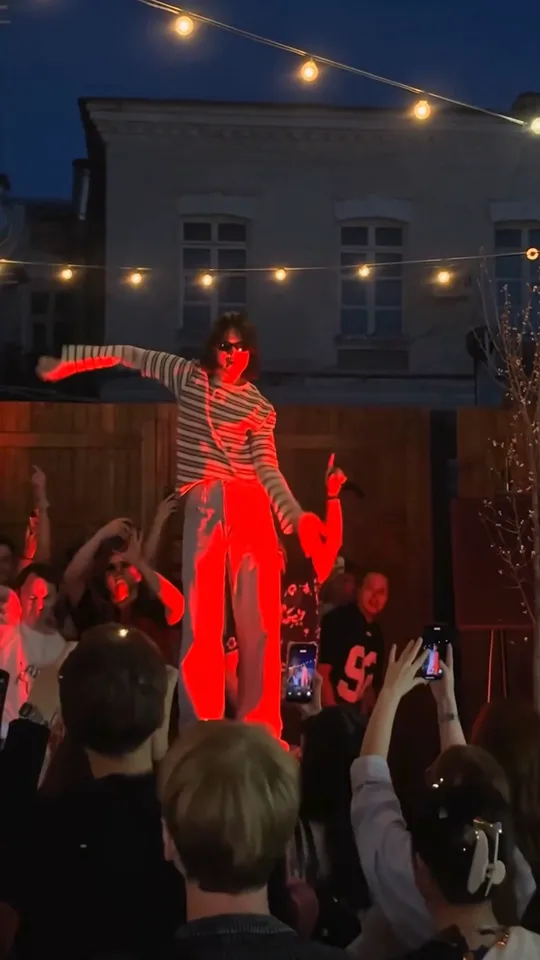
The Cheba Man dance trend: you alone on a red-lit stage, the crowd filming.
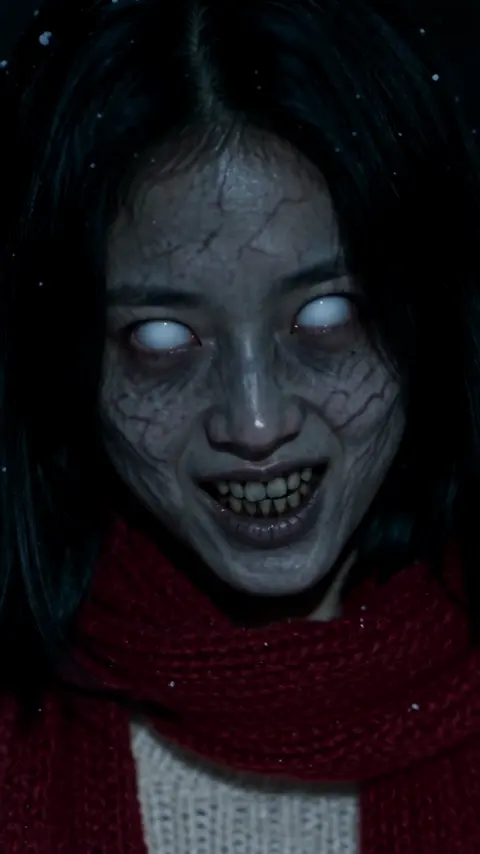
The AI zombie trend: a 15-second zombie love story starring you.
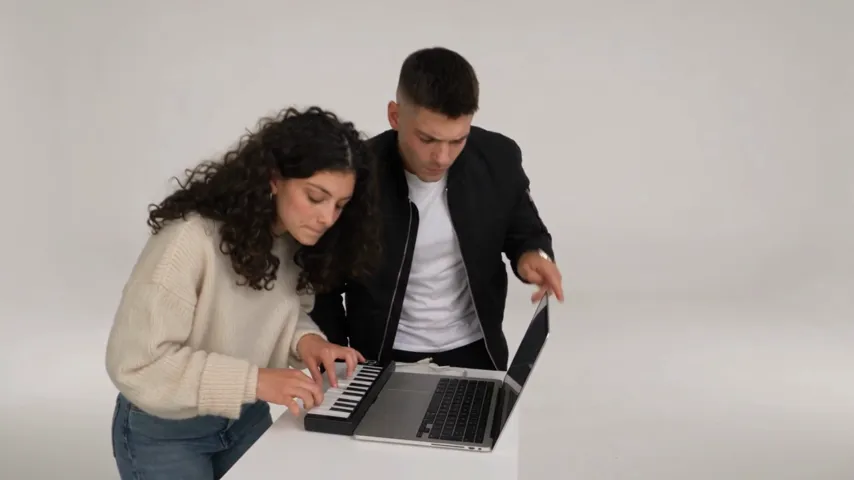
The Alors on Danse studio meme: one on the keys, one deadpan hype-man.
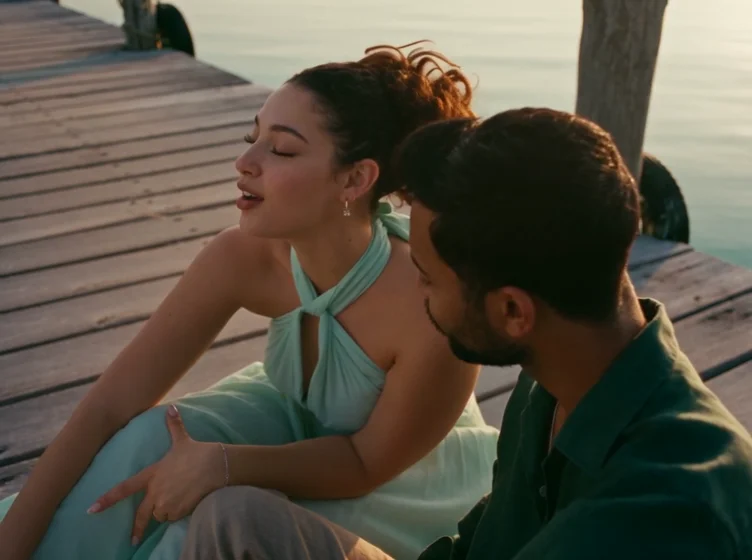
The Raindance trend: a golden-hour duet on the pier with your faces.
One photo, one click, your own Vikas edit with Vikas Editor AI. From $9.99 per video, HD with music and no watermark.